Skip to content

Union Software files

Files

Keep every union document organized and accessible

Store, share, and find working files without losing context across disconnected drives.
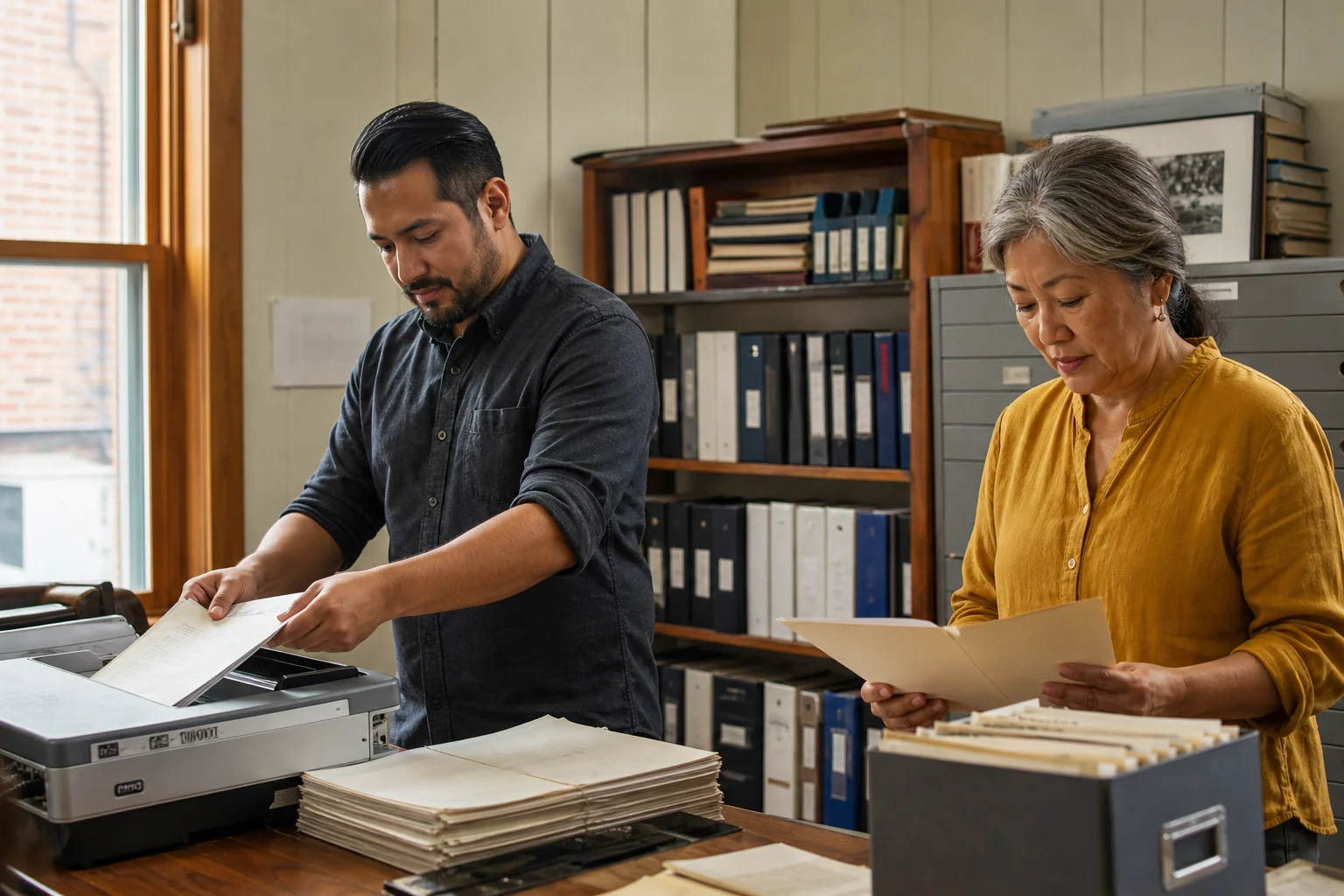
Union staff organizing paper records and scanning documents in a real archive room
Keep the history. Lose the scavenger hunt.Bring paper archives and scattered drives into a library the next generation of staff can understand.

01A home for every record

Organize files around the work your union already knows.

Create folders for bargaining, meetings, education, employers, locals, or committees. App folders can keep documents from People, Cases, Finance, Forms, and other Union Software work in a consistent library.

AC

Files

Filter…
Drop files here or choose files
2026 BargainingFolder · 18 files
Meeting RecordsFolder · 32 files
Steward EducationFolder · 14 files
Health & SafetyFolder · 21 files
General membership meeting minutes.pdfAlicia Rivera · 18 min ago
Steward training registrations.xlsxJordan Chen · Yesterday
Health and safety inspection.docxNina Foster · Sep 12
2026 bargaining cost model.xlsxBargaining Team · Sep 11

Staff know where a document belongs without inventing another naming system on a shared drive.

More you can do

Upload files and folders, drag and drop new material, move or rename records, add favourites, and switch between grid and table views. Keep recent and app-generated files easy to reach.

02Open the answer

Search, preview, and confirm the file before downloading it.

Search names and available file content, filter the result, and open a preview without passing copies around. File details show the owner, location, access, and versions beside the document.

A staff member can confirm the current minutes, agreement, or report before using it.

More you can do

Use recent files, search, sorting, previews, and details to narrow the library quickly. Download a copy only when the work requires it.

03Protected by your union

Choose who can use a sensitive file and what they can do.

Share internally with an authorized union user, team, or role. Then grant the specific capabilities they need, such as view, download, upload, rename, share, or review activity.

Bargaining, case, and financial files remain useful without becoming broadly available.

More you can do

Review direct grants, inherited folder permissions, expiry dates, and active shares at the record. Union administrators can revoke access or change capabilities without moving the file into another system.

From archive to active record

Organize the history so today’s team can use it.

A protected library gives long-serving staff and newer leaders the same dependable place to begin.
  1. 01
    Bring overUpload files and folders
  2. 02
    OrganizeUse the union’s structure
  3. 03
    ProtectChoose authorized access
  4. 04
    FindSearch, preview, and use

04A record of what changed

See who uploaded, moved, shared, or restored a file.

Open file activity when a team needs to understand what happened. Versions, ownership, and the trash make routine mistakes recoverable without losing the accountable history.

AC

File Activity

AR

Alicia Rivera uploaded General membership meeting minutes.pdf18 minutes ago

JC

Jordan Chen shared 2026 bargaining proposalsYesterday

NF

Nina Foster restored Health and safety inspection.docxSep 12

MS

Miguel Santos moved Steward training registrations.xlsxSep 11

The union can answer what changed without relying on a staff member’s memory or personal drive.

More you can do

Review activity for the whole library or one file, open previous versions, and restore records from trash. The recent and shared file views make handovers easier when staff or elected leaders change.

Built around the union

The questions unions ask before moving a document library.

Files is designed for operational records, controlled access, and long-term continuity.

Can we bring existing folders over?

Yes. Upload files and folder structures, then organize them in the library.

Use drag and drop, folder creation, move, rename, favourites, and app folders.

Can staff search inside the library?

Yes. Search file names and supported content, then filter and sort the result.

Open previews and file details before downloading another copy.

Can sensitive folders stay restricted?

Yes. Give authorized people or teams view or edit access.

Review and change access at the file or folder, with union administrators retaining control.

Can we see what changed?

Yes. Activity, versions, owners, and trash preserve the operational history.

See uploads, moves, shares, restores, and recent work without relying on personal drives.

Can files from other apps appear here?

Yes. Documents and attachments uploaded through connected apps and records are automatically organized in Files.

Keep case documents, forms, member files, finance reports, and other records in a consistent library.

Does the union keep ownership?

Yes. The library, permissions, and exports remain under your organization’s control.

Use role-based access, protected links, retention tools, and controlled downloads.

One system. Current union records.

Documents stay with the union work that created them.

Keep member documents, case evidence, receipts, reports, and task files reachable from the authorized workflow while the Files library preserves the organized record.

FilesThe working record

PeopleMember documents
CasesCase evidence and letters
FinanceReports and receipts
WorkspaceTask attachments

Start with one real folder

Bring over the documents your team searches for most.

Create a protected folder, upload the current records, and see how search, previews, access, and activity make the library easier to trust.