The mandate is a governed vote
Voting: eligibility from People, notices, observers, turnout, certification. Individual selections stay anonymous.
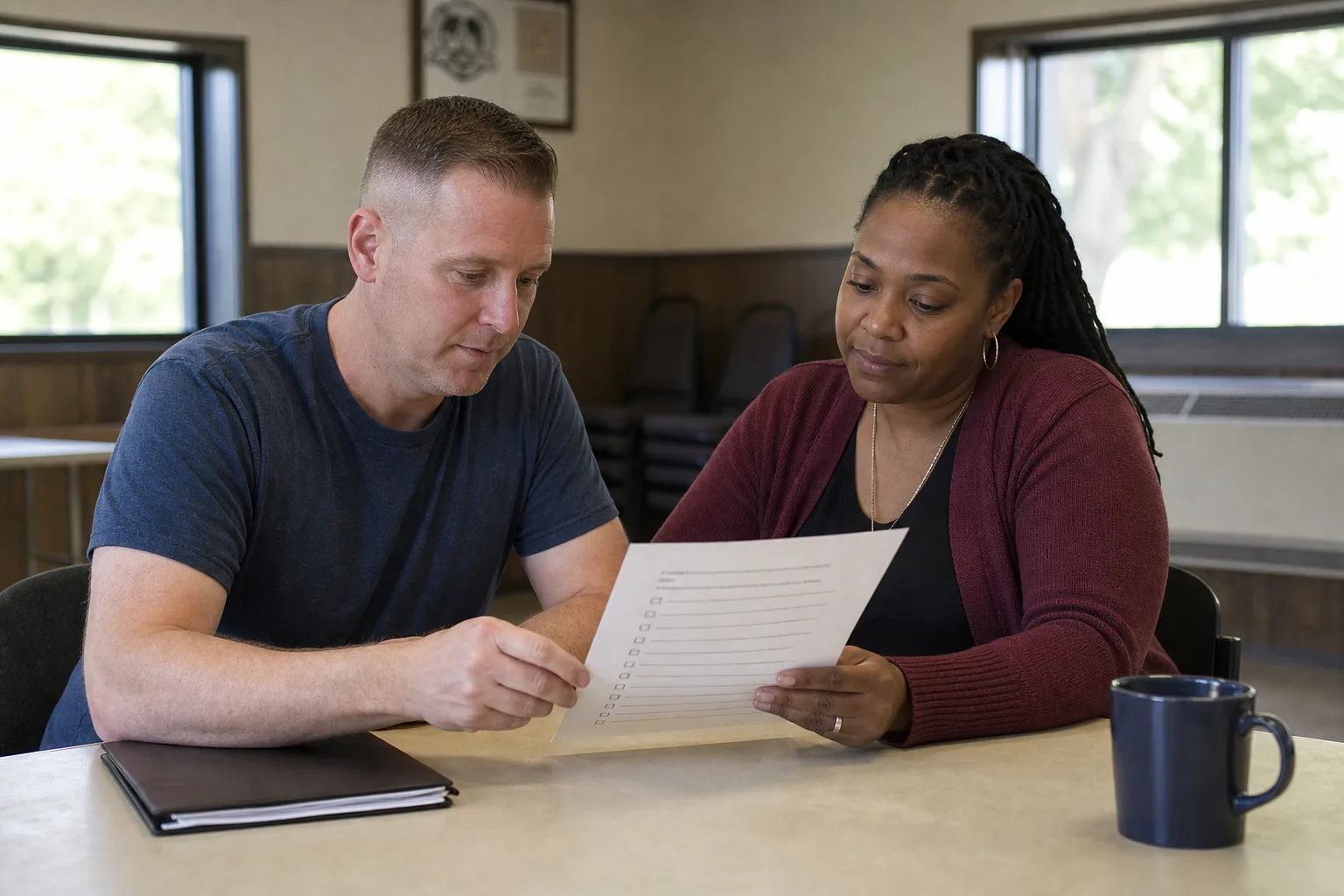
By Need
Know who can be reached, who is on which gate, who checked in, and which hours can be paid — before the first morning.
Union Software is built for the collective bargaining economy — the local, the unit, the hall, the board — not for an employer HR stack. Readiness here is vote, then command: locations, shifts, check-ins, support, pay.
Voting runs the mandate from People. Strike holds locations, captains, shifts, check-ins, and hours. Finance & Dues pays from those hours.
The software answers who can vote, which gate is short, who checked in, and which hours are eligible for pay.
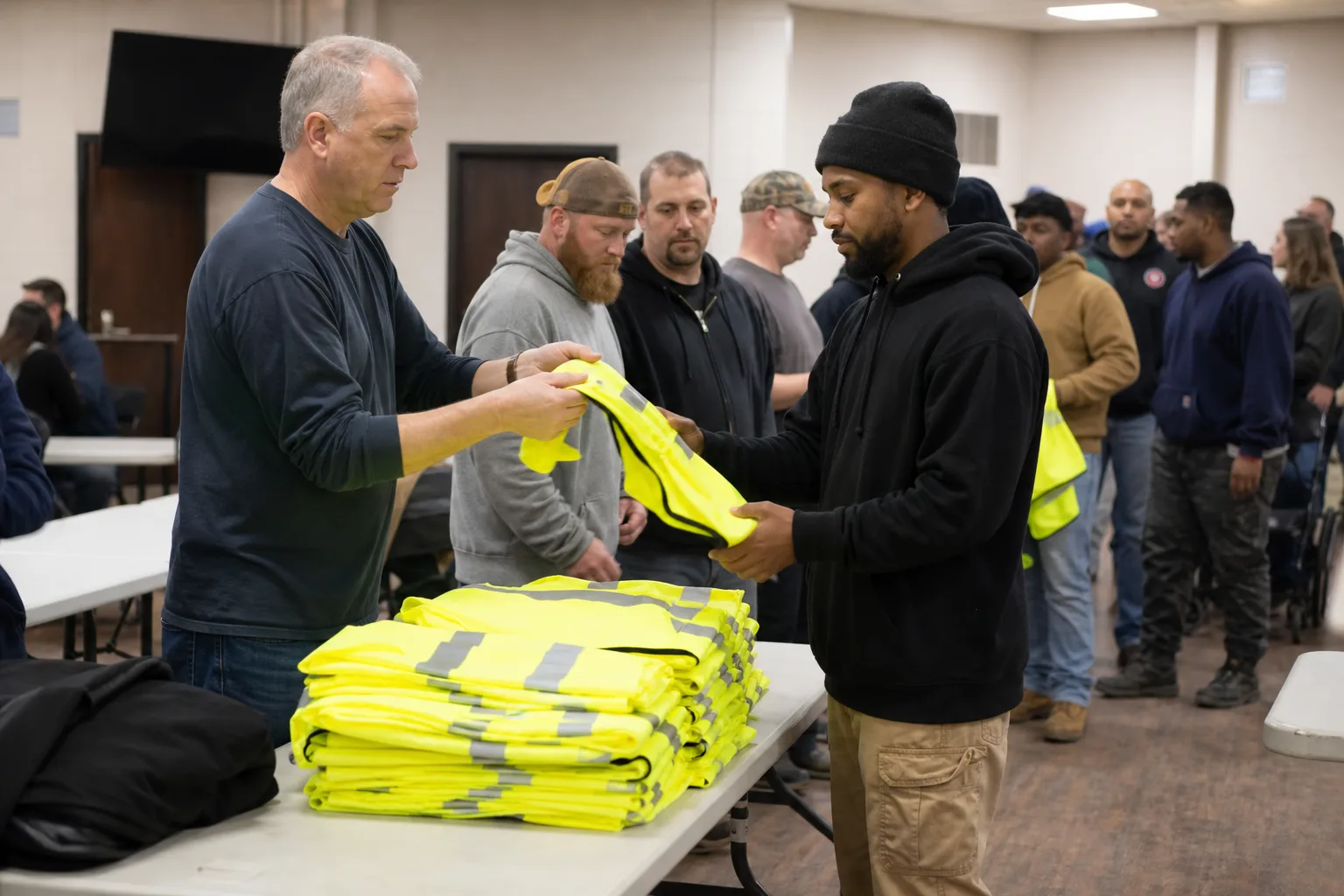
Voting: eligibility from People, notices, observers, turnout, certification. Individual selections stay anonymous.
Readiness, captains, locations, schedules, communications, hardship, strike pay.
Location, time, capacity, captain, accessibility. Gaps show before the morning.
Who arrived on which shift. Captains do not phone a count every hour.
Hours into controlled strike-pay review. Hardship stays restricted. This is not only “mobilization comms.” It is the action.
The committee recommended a vote. A mail-merge list will not survive a challenge.
Create the strike vote: question, dates, time zone, methods, observers, certification.
Build eligibility from People — unit, status, dues standing — and resolve exceptions.
Send the notice through Communications to that approved list.
Watch turnout (never choices), close on schedule, and certify with the observer record.
Readiness, locations, shifts, check-ins, incidents, support, and strike pay.
Gates, captains, and owners sit on the strike record after Voting certifies.
Capacity and captains sit on the location.
Strike stores who checked in.
Approved attendance hours feed pay. Hardship stays restricted.

the mandate.
readiness, locations, shifts, check-ins, incidents, support, pay.

who can be reached and assigned.

urgent, targeted updates.

strike pay and funds.
the round that led here.
picket-captain or member briefing if the local runs one.
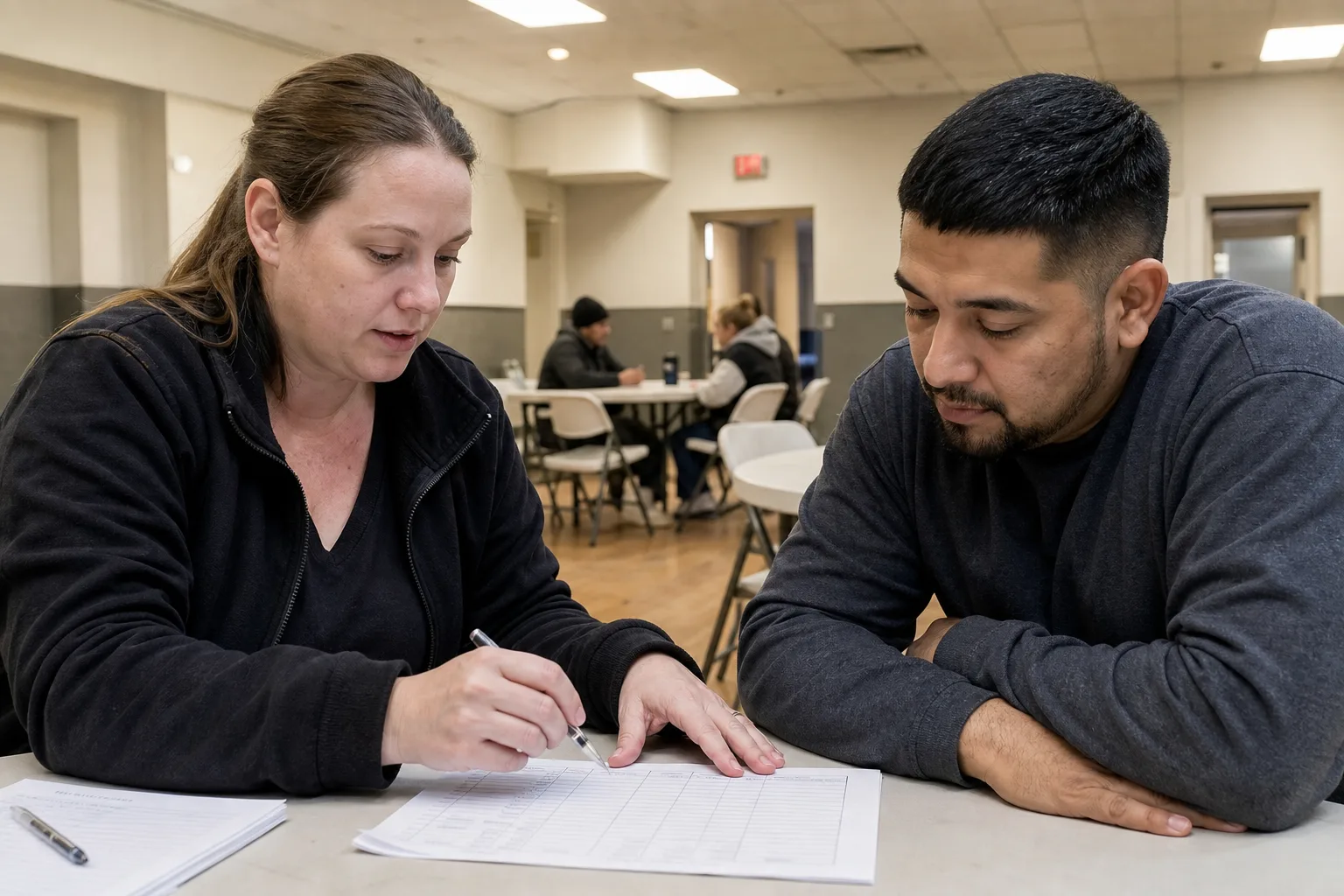
Know who can be reached, who is on which gate, who checked in, and which hours can be paid — before the first morning.
Get StartedVoting certifies the vote from People. Strike then uses those people for locations, captains, and check-ins.
On locations in Strike. Shifts and capacity sit on those records.
On the shift in Strike. The command view reads those check-ins.
Attendance hours in Strike feed Finance & Dues. Hardship stays restricted.
Restricted roles. Totals can be reported. Individual circumstances stay controlled.