The call is a requisition, not a voicemail
Hiring Hall records the contractor request — trade, agreement, shift, crew size, credentials — as the source for matching.

By Role
Fill the call, apply the referral rules, and know who is in good standing — without rebuilding the hall from a day book and three phones.
Union Software is built for the collective bargaining economy — the local, the unit, the hall, the board — not for an employer HR stack. For a Business Manager the value is an accountable hall: the request, the rules, the offer, the assignment, and the dues record.
Hiring Hall holds requisitions, rank, offer outcomes, and assignments. People and Finance & Dues hold standing and tickets. Advanced Reports builds the hall pack from those records.
The software answers who is next, whether they are in standing, what yesterday’s offers did, and who is working. The day book is not rebuilt by hand.
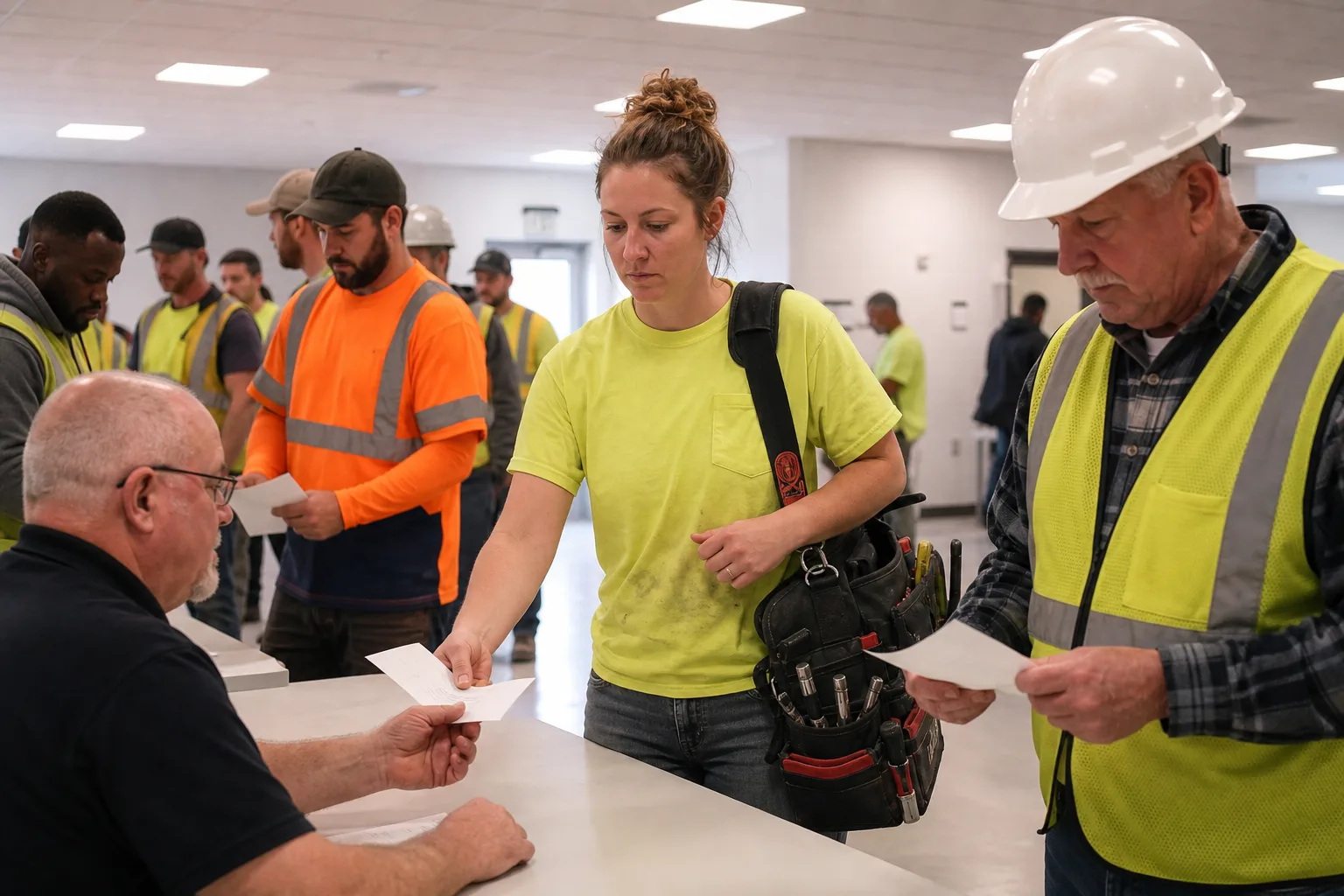
Hiring Hall records the contractor request — trade, agreement, shift, crew size, credentials — as the source for matching.
Eligibility uses availability, credentials, classification, agreement, list position, and the ranking rules the local controls. Missing or expired tickets show before the offer.
Offered, accepted, declined, unreachable, dispatched. You can answer a skip complaint from the call record, not from memory.
Finance & Dues and People carry good standing. The hall does not keep a second list in a binder beside the day book.
Advanced Reports can speak to requisitions, outcomes, and membership without a Sunday spreadsheet.
A signatory contractor needs a crew for a day shift. The request arrived as a phone message. Classification, tickets, start time, and agreement were half in the message and half in someone’s head.
Open a requisition: trade, agreement, priority, shift, crew size, required credentials, start.
Attach the agreement the call is worked under so the classification is not guessed.
Confirm the crew slots and site contacts on the requisition before anyone is ranked.
Release the call to the eligible list built from current People records.
Hiring Hall stores the pass or skip on the call. People supplies rank and tickets.
Offer results stay on the same call. The next name is already ranked.
People and Finance & Dues show standing. Hiring Hall can hold the name on that requisition.
Advanced Reports reads Hiring Hall and People.
requisition, ranking, offer, assignment, call history.

member, classification, credentials, good standing, availability.

remittance, standing, hours that continue after dispatch.
the agreement the call is worked under.

offers and hall notices to the people in People.
the hall pack for the board.
when the Business Manager chairs the negotiating committee.
files that have left the steward and sit with the hall.
This is not a promise that software interprets the referral procedure. It is a promise that the procedure you apply is attached to the call.
Get StartedHiring Hall keeps the pass or skip on the requisition. Rank, tickets, and standing come from People.
Accepted, declined, unreachable, and pending sit on the same call. The next name is already ranked.
People and Finance & Dues show standing on the name. Hiring Hall can hold that name on the requisition.
Advanced Reports reads fill time, outcomes, and who is working from Hiring Hall and People.
On Grievances & Cases, on the same platform. The hall page still leads with requisition, standing, and the pack.